
4 characteristics of Timers in Apache Flink to keep in mind
This blog post describes some basic concepts and considerations for the use of Timers in Apache Flink. Developers can register their own Timers with Flink’s ProcessFunction operator that gives access to some fundamental building blocks for streaming applications such as:
- events (stream elements)
- state (fault-tolerant, consistent, only on keyed stream)
- timers (event time and processing time, only on keyed stream)
For more information on Apache Flink’s ProcessFunction, we suggest reading the Apache Flink documentation here for more instructions and guidance.
What are Timers in Apache Flink?
Timers are what make Flink streaming applications reactive and adaptable to processing and event time changes. One of our earlier posts covers the alternative notions of time in Apache Flink and the differences between processing, ingestion, and event time in more detail. When processing event streams with Timers, every time the processElement(...) is invoked, a Context object is passed, allowing you to access the element’s event time timestamp and a TimerService. You can then use the TimerService to register callbacks for future event-/processing-time instants. By doing so, once the particular time instant of the timer is reached, the onTimer(...) method will be called.
The onTimer(...) callback is called at different points in time depending on whether processing or event time is used to register the Timers in the first place. In particular:
- When using processing time to register Timers in your Flink application, the
onTimer(...)method is called when the clock time of the machine reaches the timestamp of the timer. - When using event time to register Timers in your Flink application, the
onTimer(...)method is called when the operator’s watermark reaches or exceeds the timestamp of the timer.
Similar to the processElement(...) method, state access within the onTimer(...) callback is also scoped to the current key (i.e., the key for which the timer was registered for).
It is worth noting here that both the onTimer(...) and processElement(...) calls are synchronized, and thus it is safe to access state and modify it in both the onTimer(...)and processElement(...) methods.
4 characteristics of Timers to keep in mind
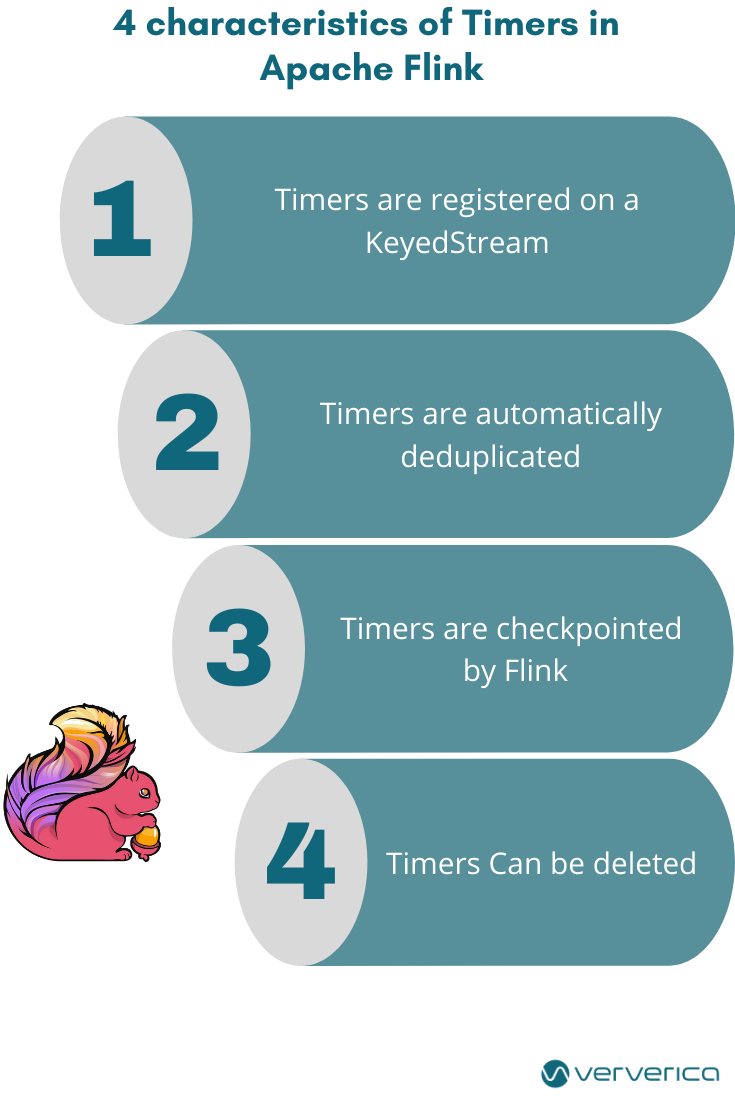
In this paragraph, we discuss the 4 basic characteristics of Timers in Apache Flink that you should keep in mind before using them. These are the following:
1. Timers are registered on a KeyedStream
Since timers are registered and fired per key, a KeyedStream is a prerequisite for any kind of operation and function using Timers in Apache Flink.
2. Timers are automatically deduplicated
The TimerService automatically deduplicates Timers, always resulting in at most one timer per key and timestamp. This means that when multiple Timers are registered for the same key or timestamp, the onTimer() method will be called just once.
3. Timers are checkpointed
Timers are checkpointed by Flink, just like any other managed state. When restoring a job from a Flink checkpoint or savepoint, each registered Timer in the restored state that was supposed to be fired before restoration will be fired immediately.
4. Timers can be deleted
Timers can be deleted (since Flink 1.6).
You can stop the processing time Timers using the following command:
long timestampOfTimerToStop = ...;
ctx.timerService().deleteProcessingTimeTimer(timestampOfTimerToStop);You can also stop the event time Timers by following the command:
long timestampOfTimerToStop = ...;
ctx.timerService().deleteEventTimeTimer(timestampOfTimerToStop);It is worth mentioning here that stopping a Timer has no effect if no such Timer with the given timestamp is registered.
Frequently Asked Questions
What are timers in Apache Flink?
Timers make Flink streaming applications reactive to processing-time and event-time changes. In a ProcessFunction you use the TimerService to register callbacks for future event-time or processing-time instants, and the onTimer(...) method is called once that time is reached.
When does an event-time timer fire in Flink compared to a processing-time timer?
A processing-time timer in Flink fires when the clock time of the machine reaches the timer's timestamp. An event-time timer fires when the operator's watermark reaches or exceeds the timer's timestamp.
Do Flink timers require a keyed stream?
Yes. Because timers are registered and fired per key, a KeyedStream is a prerequisite for any operation or function that uses timers in Apache Flink.
Are Flink timers checkpointed and what happens to them on restore?
Flink checkpoints timers just like any other managed state. When a job is restored from a checkpoint or savepoint, every restored timer that should have fired before the restoration fires immediately.
What happens if you register the same timer twice in Flink?
Flink's TimerService automatically deduplicates timers, so there is at most one timer per key and timestamp and the onTimer() method is called just once.